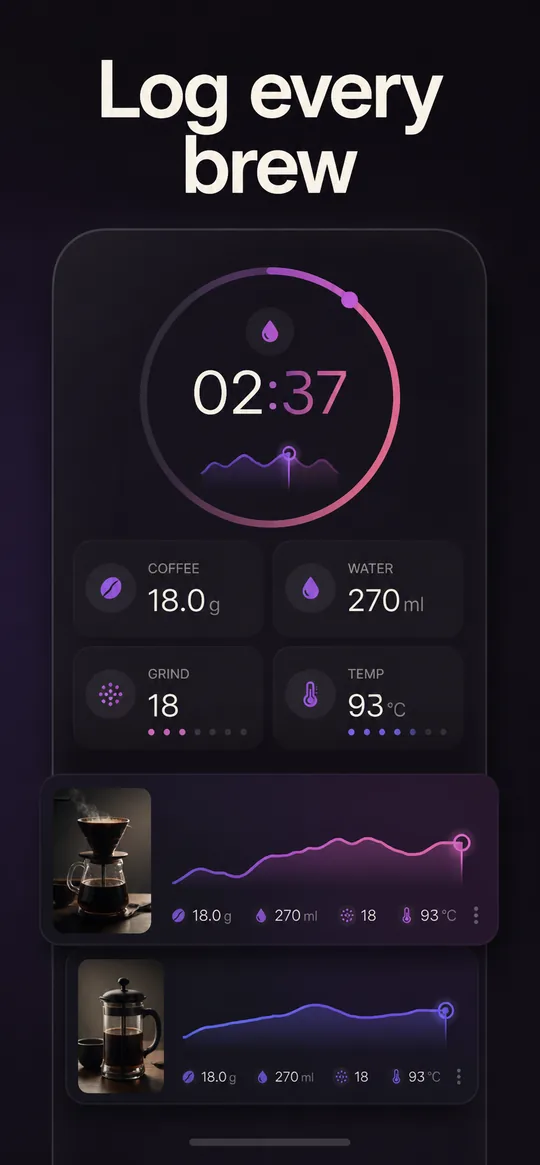
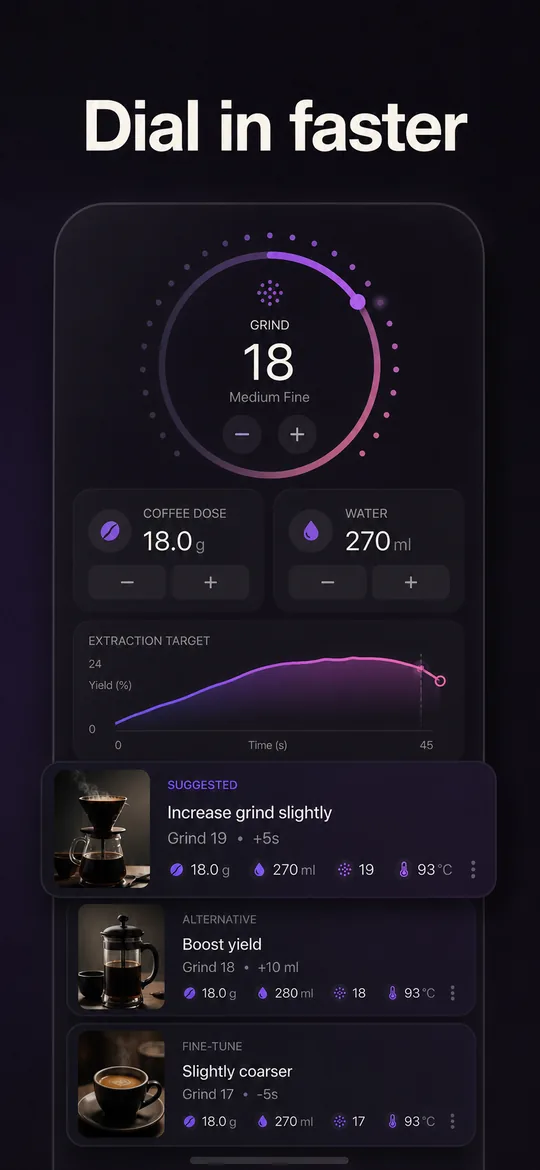
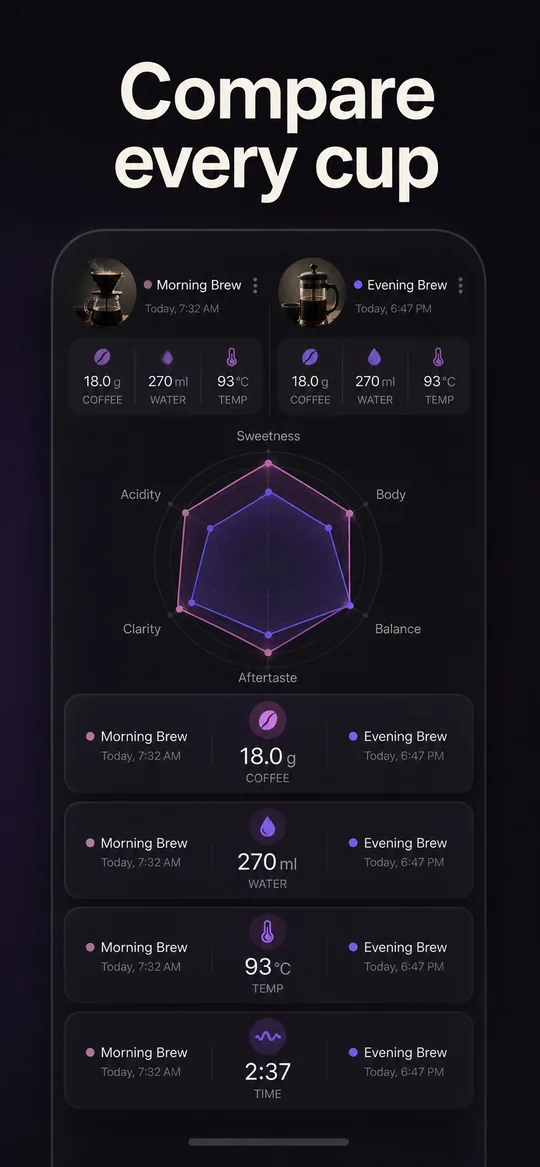
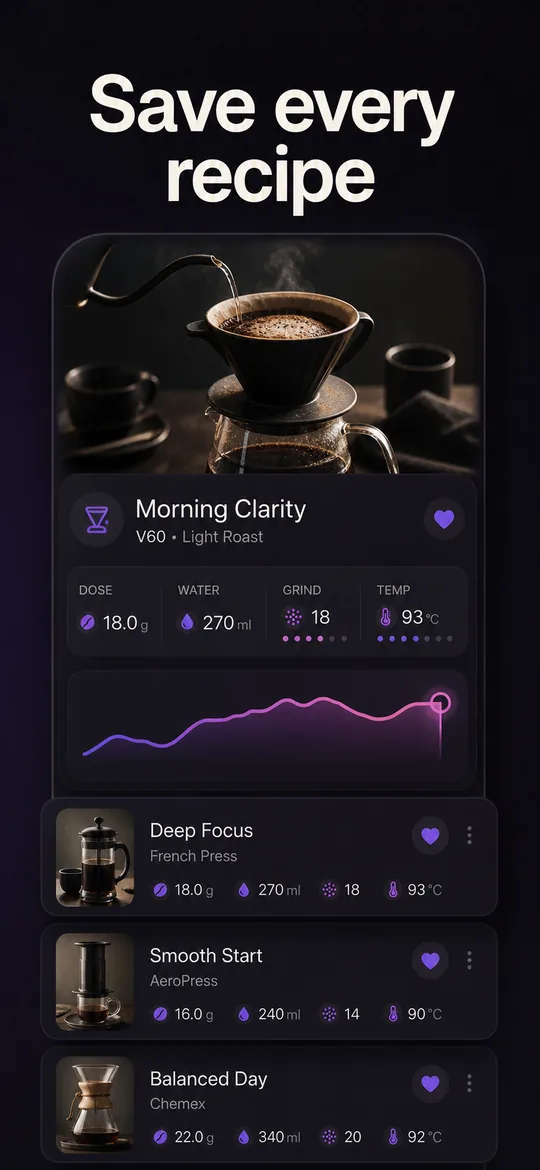
Create app store screenshots that belong together
Uprate helps mobile app builders generate a coordinated set of store screenshots around their product. It brings the message, visual layout, and store-ready sizes into one workflow so you can move from an app to a coherent creative set.
Benefits
From product screens to a complete store story
Store screenshots need to explain the app quickly and still feel like one campaign. Uprate helps the whole set stay consistent instead of treating each image as an isolated design task.
Create a complete screenshot set
Build the images together so the sequence introduces the product clearly from the first frame to the last.
Use copy written for the store
Pair product screens with concise messages that explain a real benefit rather than generic marketing filler.
Keep the visual direction consistent
Use related layouts and styling across the set so every screenshot feels part of the same app identity.
Prepare the formats stores expect
Organize layouts and sizes for the App Store and Google Play requirements represented in the workflow.
Pair screenshots with an original icon
Create an app icon around the product identity when the wider store creative needs a consistent starting point.
How it works
How the app store screenshot generator works
The workflow starts with your app, develops a clear creative direction, and produces a set you can review before it becomes part of a listing.
- 01
Provide the app context
Start with the product identity and the screens or material that should shape the store creative.
- 02
Generate the creative set
Uprate prepares screenshot copy, coordinated layouts, and the relevant store formats as one set.
- 03
Review before using it
Check the visuals and wording, then choose the assets that accurately represent the app in your store listing.
FAQ
App store screenshot generator FAQ
What does an app store screenshot generator create?
An app store screenshot generator turns product screens and app context into promotional images for a store listing. Uprate focuses on a coordinated set with concise copy, consistent layouts, and store-ready dimensions.
Can Uprate create screenshots for both app stores?
Uprate is designed to prepare store creative for Apple App Store and Google Play, including the layouts and sizes each store asks for.
Will the screenshots all use the same template?
The goal is consistency, not repetition. The images should share one visual direction while each frame explains a distinct part of the app.
Can I review the generated creative?
Yes. Generated screenshots and copy are material for you to review. You decide which assets accurately represent the app and belong in the listing.
Turn your app into a store-ready creative set
Create screenshot copy, layouts, and formats together in one guided workflow.