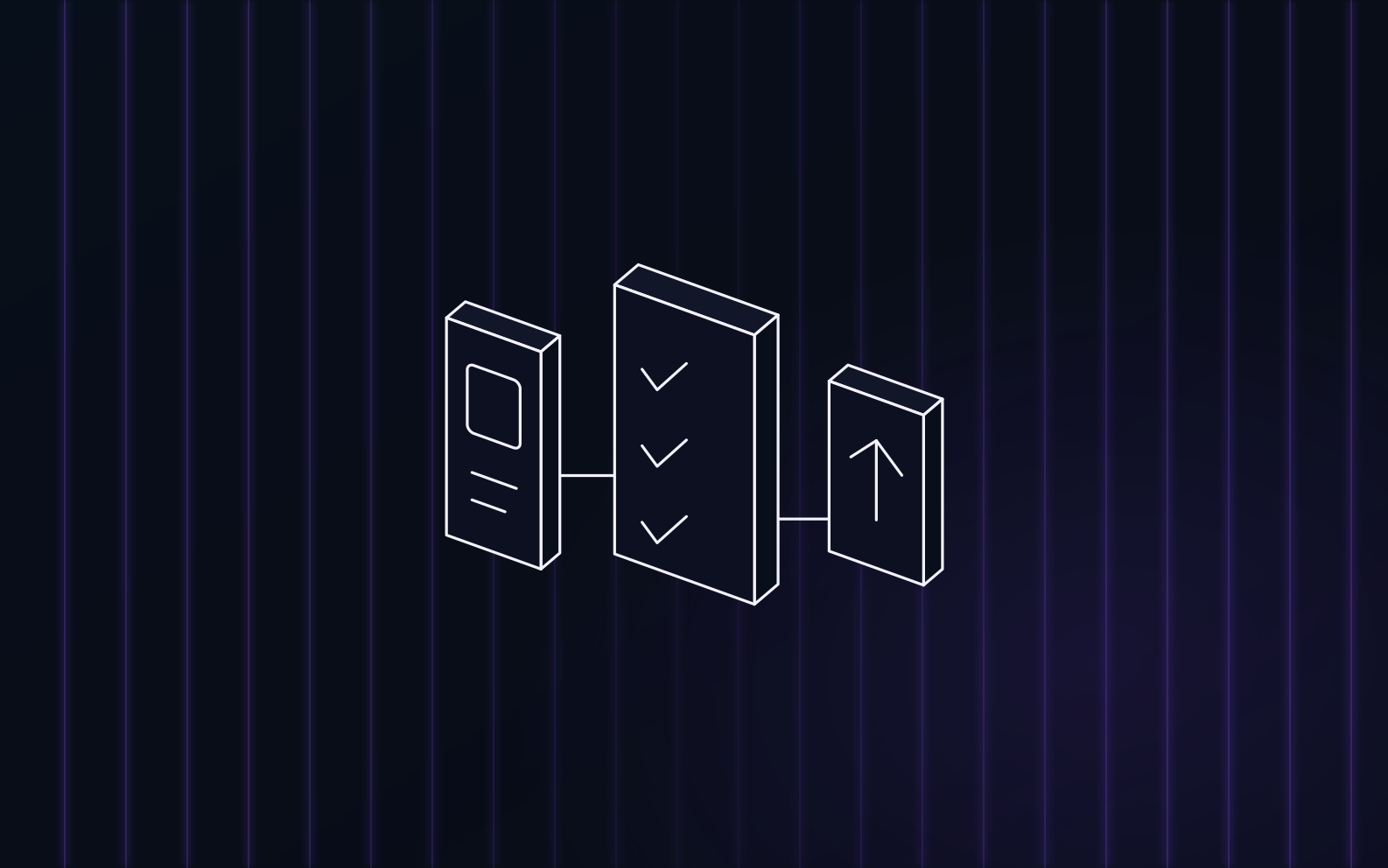
What you connect, what the analysis produces on a first release, the three checks that run before a build, where the run pauses, and what happens when Apple or Google says no.
Shipping is the part of app development most people put off. The build is done, and what is left is the bundle ID, the export compliance question, the age rating questionnaire, the privacy policy page you do not have, the screenshot sizes and the build number that has to be higher than the last one. The submission agent exists to do that part. This is what it actually does, step by step, and where it stops and waits for you.
The short version: it reads your repository, prepares the store listing, checks the release against the things stores reject apps for, builds or takes your build, uploads it and pauses. A first release is never submitted to review without your sign-off. An update can go straight to review, but only after you chose that path and approved the listing.
What you connect once
Three connections do the work, and you set them up once per app.
GitHub. Uprate reads the repository through the GitHub API to detect the app and to analyze it. It does not clone your code, does not show your source in its UI and does not open pull requests against it, with one exception explained below.
A store key for publishing. For the App Store you add an App Store Connect API key under Settings, separate from the key that reads reviews. Uprate validates it by listing the apps it can reach, stores it encrypted and shows you which apps that key can publish. For Google Play you connect a service account for the package, the same connection the review inbox uses. If you build with Expo, you also connect the Expo account that owns the project.
Who can press the button. In a team, owners and members can launch a submission. Reviewer and analytics seats can open the run and read every step but cannot start, submit or cancel one.
Adding the app
You pick a repository and Uprate looks for the app in it: package.json, app.json or app.config, the iOS Info.plist and Xcode project, the Android build.gradle and manifest. From that it fills in the app name, the iOS bundle ID, the Android package and the Expo project, and it handles a monorepo by asking which folder the app lives in. You can correct anything it got wrong before the app is created.
iOS and Android are separate lanes. Apple can approve while Google asks for more, so each store gets its own run with its own status and its own actions, and an app that only has an iOS bundle only shows one lane. There is one submission in flight per store per app; if one is open, the launch button takes you to it instead of starting a second.
Where should it stop
Every launch starts with one question, and the answer decides how far the run goes on its own.
| Plan | What happens | Where it waits |
|---|---|---|
| Test it first (default) | Prepares the listing, runs the checks, builds or takes your build and uploads it to TestFlight or Google Play internal testing. Nothing reaches App Review. | At "Ready to submit", until you press submit. |
| Go live | Same, then continues to store review. On a first release you sign off the prepared store details first; on an update the listing is shown to you before it is written. | Nothing after the build, unless a check fails. |
| Check only (App Store) | Walks every step and reports what a real release would do. Nothing is built and nothing changes at Apple. | Ends with "Check complete". |
The second question is where the build comes from. With Build with Expo, Uprate builds from your repository. With Upload IPA or Upload AAB, you drag in a signed build from your own tooling; Uprate validates it, reads the version and build number out of it and uploads the iOS one with Apple's Transporter. With Use ASC build or Use Google Play build, you pick a build that is already processed in the store console, which is the path for people who upload from Xcode or their own CI.
One caveat on Android: builds from the repository need an isolated runner, and that runner is not part of the hosted product, so Android runs today use an uploaded AAB or APK, or a build that is already on Google Play.
What the analysis produces on a first release
A first release is the case where the app does not exist in the store yet, and it is where most of the analysis happens. Uprate reads a bounded slice of the repository, app.json, package.json, the README and a handful of source excerpts, and runs eight analyzers over it.
The listing copy comes back as a name and subtitle within Apple's 30 characters, a short description for Google Play, a description under 4,000 characters, keywords under 100 characters, promotional text and the support and marketing URLs it found. Categories and the age rating questionnaire are answered from what the app does. The export compliance question is answered from the code, with the evidence it used. Privacy labels are proposed from the dependencies and the APIs the code calls, again with file paths and snippets as evidence. A privacy policy and terms of service are generated and hosted on a public Uprate page, because the store needs a URL and most first-time apps do not have one. Finally an ASO audit reads the whole payload and lists issues as critical, major, minor or info, and it flags technical jargon in consumer copy, so "built with React Native and TypeScript" does not end up in a description.
Everything the analysis produced is editable in the run, per locale, and it stays a suggestion until you approve it.
Updates skip nearly all of this. The listing is seeded from what is live in the store, the export compliance answer is re-derived from the code because Apple asks it for every build, the privacy scan still runs so you get a code-based suggestion to compare with the labels you have, and the "What's new" text is drafted from the commits since the last release.
The checks before anything is built
Before a build starts, the run goes through a pre-submission checklist against the store and the repository. It confirms the Expo config and eas.json are there and valid, the Expo owner matches your account, the app version and the build number are higher than what App Store Connect already has, the bundle ID in the config matches the store, the encryption answer and age rating and primary category are set, the privacy policy URL is public and actually loads, and the screenshot sizes the store requires are covered. Each failed item is one sentence with the field to fix, and you can re-run the step after fixing it.
A second pass reads the repository for the things App Review sends apps back for: permission strings that are missing for the camera, photos, location, contacts or microphone, a tracking permission for apps that look like they track, third-party login without Sign in with Apple, accounts without an in-app way to delete them, in-app purchase metadata and user-generated content without reporting and moderation.
The third pass is the App Review check. It takes the evidence from the passes above and the prepared metadata and checks them against a hand-curated set of 26 rules from Apple's App Review Guidelines. The output is a list of findings, each either a risk or a heads-up, each citing the evidence it is based on and the guideline it maps to. Rules it could not verify are listed as unverified rather than guessed. This check never blocks a submission on its own and never reports a rejection probability.
Issues, not scores Uprate does not show a readiness percentage or a risk score. It shows counts of issues, each with the field and the fix. When a step fails, "Copy fix prompt" produces a prompt with the diagnosis and the file references for your own coding agent. Uprate does not write code into your repository.
Writing to the store, and the pause
Once the listing is approved, the run writes it to the store through the store's API: the version, the listing texts in each locale, categories, the age rating and the screenshot set you attached. Price and availability are checked and set before the review submission. If the app does not exist in App Store Connect yet, the bundle ID is registered and the app record is created first. One thing is not written: Apple's privacy labels have no public API, so Uprate shows its suggestion and asks you to confirm you filled them in App Store Connect before a first release goes further. While a run is writing, building or in review, the listing editor for that app is locked so the two cannot race.
With Build with Expo on iOS, Uprate opens one pull request on your repository that adds a workflow file under .eas/workflows/. You merge it, and from then on Uprate triggers that workflow through Expo's GitHub App for a specific commit. The workflow builds the production binary and submits it to App Store Connect using Expo's credentials service, so no App Store Connect key ends up in your repository secrets. This is the one place Uprate touches your repository, and it is a workflow file, not your source.
The build is uploaded to TestFlight or internal testing. On the default plan the run then parks at "Ready to submit". You install the build, try it, and press submit when you are satisfied. On "Go live" the run continues to review. On Google Play, an account that still has Google's closed testing requirement lands on "Live on internal testing" instead, and the run keeps watching and moves to approved on its own once the production release is live.
In review, and after
Uprate polls the review status and shows the run as one line per stage, with the details of each event behind a toggle. Approved is approved. A rejection is shown with Apple's state details translated into plain English, plus a pointer to App Store Connect's Review Issues & Messages, because the full guideline message is not exposed through the API. Fix the app or the listing and press resubmit, with a note if you want to record what changed.
A failed step is not a failed run. The run tells you which step failed and offers to continue from it or try it again. You can also cancel a run, including one that is already in Apple's queue, where Uprate withdraws the review submission for you.
What it costs
The submission agent is available on every plan, including Free. The repository analysis on a first release is one 5-credit action for the whole set of analyzers, the ASO audit is another 5, and a fix prompt is 2. Builds run on your Expo account or come from you, so they are not metered in Uprate credits.
Where this fits
The submission agent is the second thing to set up after connecting the stores. What it protects you from is described in How long App Store review takes and in the rejection guides on this blog, and how it sits next to the review inbox and the listing drafts is in How to run both stores without a dedicated ops hire.
Was this article helpful?