Apple privacy manifests describe data practices and approved reasons for using certain APIs. The important operational detail is that your final archive includes your code and every dependency. A clean app target can still fail because of a bundled SDK.
What belongs in a privacy manifest
A PrivacyInfo.xcprivacy file can declare collected data, tracking domains, and required-reason API use. The manifest is structured data, so edit it as a property list and validate the keys rather than treating it like free-form release copy.
Audit the final dependency graph
- Produce a Release archive with the same configuration used for App Store submission.
- List every embedded framework and SDK, including transitive dependencies.
- Check whether Apple lists any of them as commonly used third-party SDKs with manifest and signature requirements.
- Update or replace non-compliant versions before changing your own declarations to compensate.
Each required-reason API must map to an approved reason that accurately describes how the app or SDK uses it.
Keep three privacy surfaces aligned
Your manifest, App Store Connect privacy answers, and the behavior in the binary describe related but different things. Review all three together whenever analytics, advertising, account creation, diagnostics, or a third-party SDK changes.
What the manifest does not replace
A privacy manifest does not replace the system permission purpose strings in Info.plist, the privacy nutrition label in App Store Connect, or your public privacy policy. Each surface has a different audience. They should agree on behavior without becoming copies of the same text.
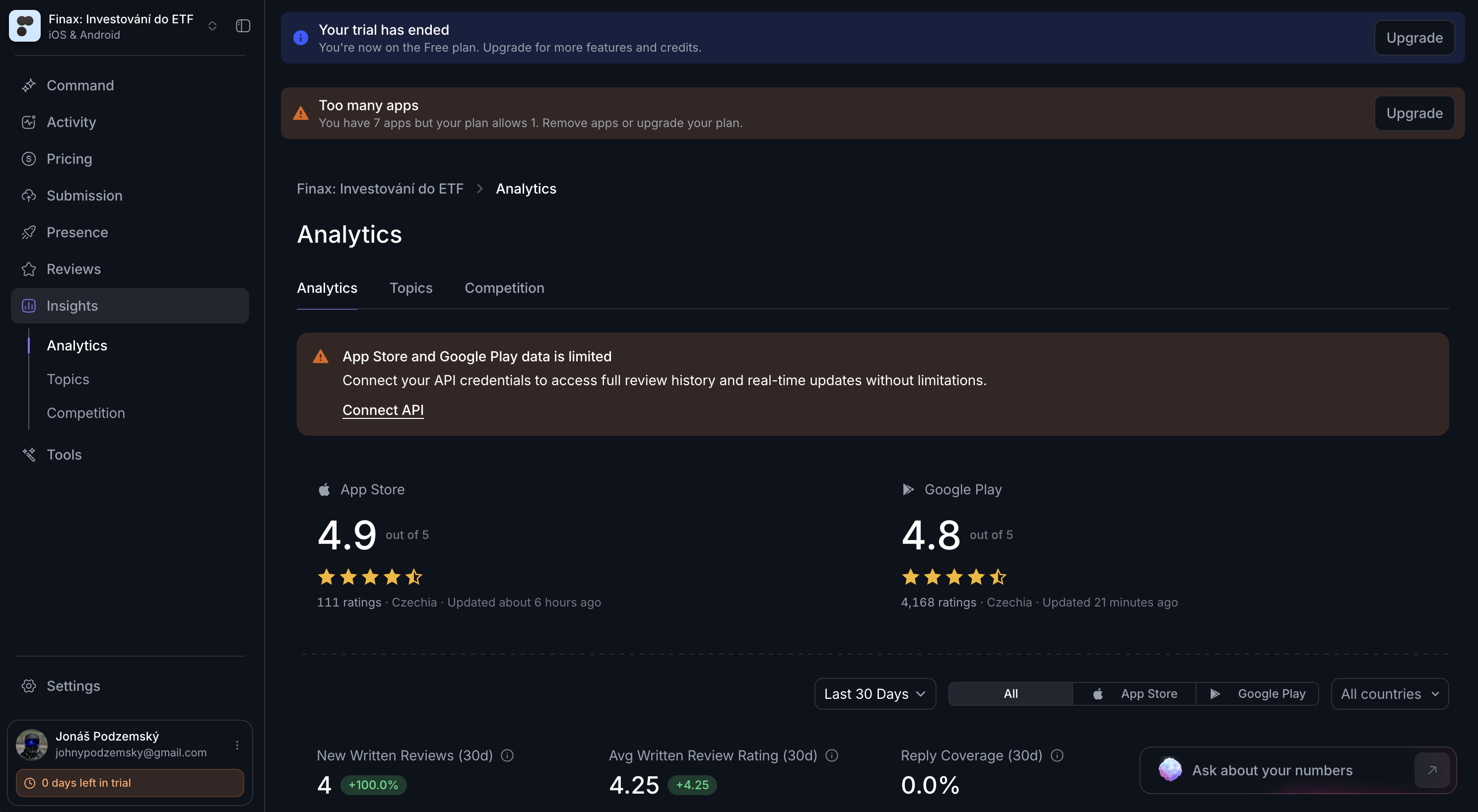
Store data and production behavior should tell the same privacy story.
Release gate
- The Release archive contains the expected manifest files.
- Every required-reason API has an accurate approved reason.
- Listed SDKs meet Apple's current manifest and signature requirements.
- Tracking domains and collected-data declarations match production behavior.
- App Store Connect privacy answers were reviewed after dependency changes.
If App Store Connect flags the upload
Use the message as a pointer to the framework, API category, or missing declaration. Fix the source of the issue and upload a new build. Keep the rejected archive and dependency lockfile so the team can reproduce what was actually submitted.
Was this article helpful?